

I recently posted version 3 my image display function, imview, on MATLAB File Exchange and GitHub. The big change in version 3 is that imview can now be used in the MATLAB Live Editor.
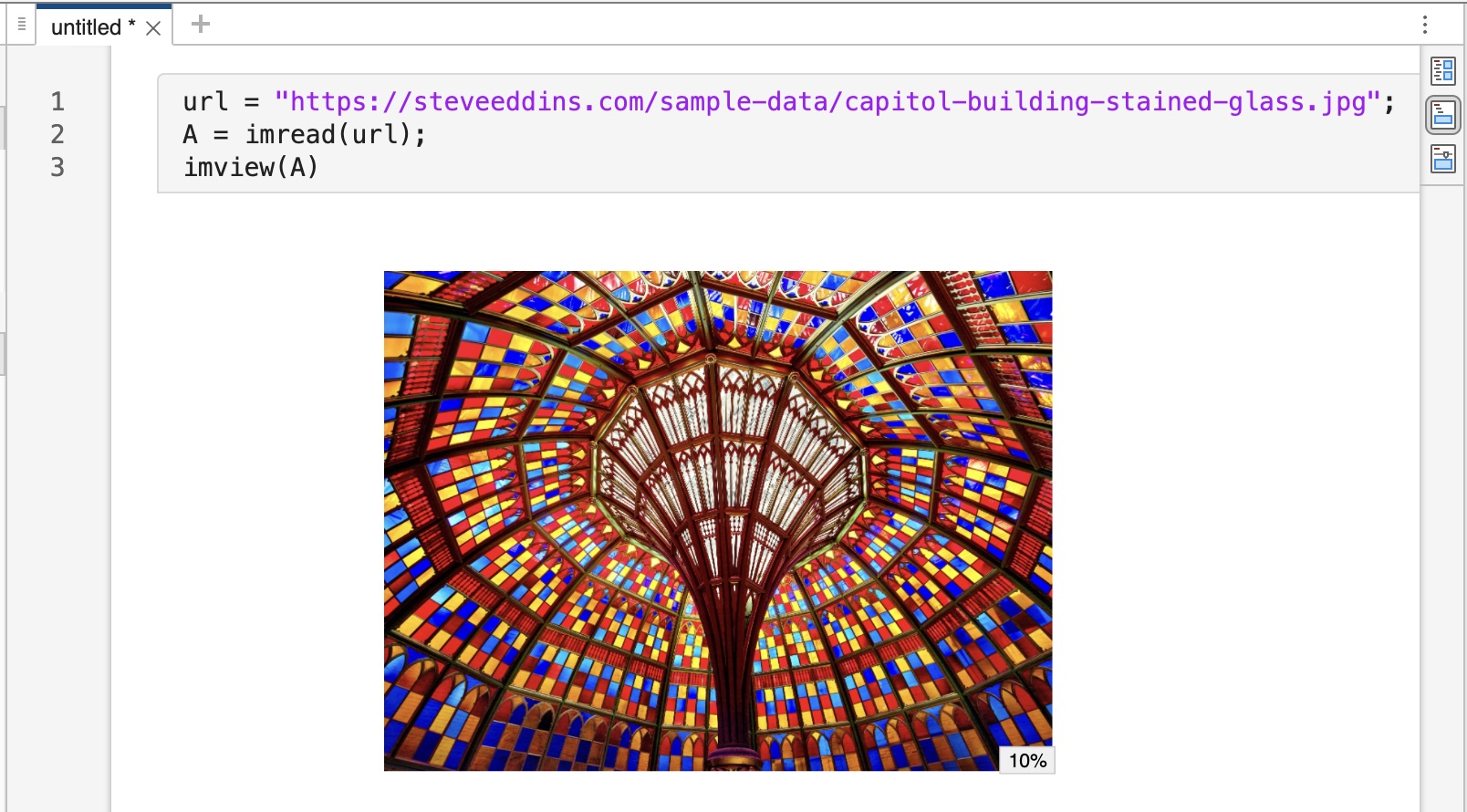
Screenshot of imview in the Live Editor. (image credit)
Overview of IMVIEW
I created imview to overcome some of the limitations of the MATLAB image display function imshow. These limitations include:
- Glitchy behavior related to
imshowchanging the figure size - Poor quality interpolation by default
- Poor zoom behavior for “skinny” tall or wide images
Additional features of imview include:
- Adaptive interpolation method (by default)
- Display of the magnification level (which can be shown or hidden using an axes toolbar button)
- A pixel grid overlay that appears automatically when individual pixels get very large on the screen
My 12-Dec-2024 blog post described the initial imview release in detail. The follow-up post on 20-Mar-2025 described the version 2 update, which brought the imview feature set up to rough parity with imshow.
Changes in IMVIEW v3
Now version 3 is available. Here are the important changes:
- Supports use within the Live Editor.
- Adjusted some thresholds for dynamic behavior:
- The
adaptiveinterpolation method now switches from bilinear to nearest when the pixels are approximately 1/16 inch wide, instead of 1/4 inch. - The pixel grid is now shown when pixels are approximately 3/8 inch wide, instead of 1/4 inch.
- These thresholds can be changed by the user via the settings
imview.AdaptiveInterpolationThresholdandimview.PixelGridThreshold.
- The
- The zoom-level display percentage is now rounded to a value that is appropriate to screen display precision.
- Zooming in on “skinny” tall or wide images now uses all of the available space in the plotting region. (bug fix)
- The File Exchange submissions Pixel Grid and Image Zoom Level and Pan Utilities are no longer required.
- MATLAB R2022b or later is required.
Live Editor Support
Live Editor supports means that imview is now aware of the image size as it is being displayed in the editor, and so it can show the zoom magnification level accurately. For example, in this screenshot, the image is smaller because it is being displayed on the right, instead of being displayed inline. That is why the zoom magnification level is shown as 5% instead of 10% in the screenshot up above.
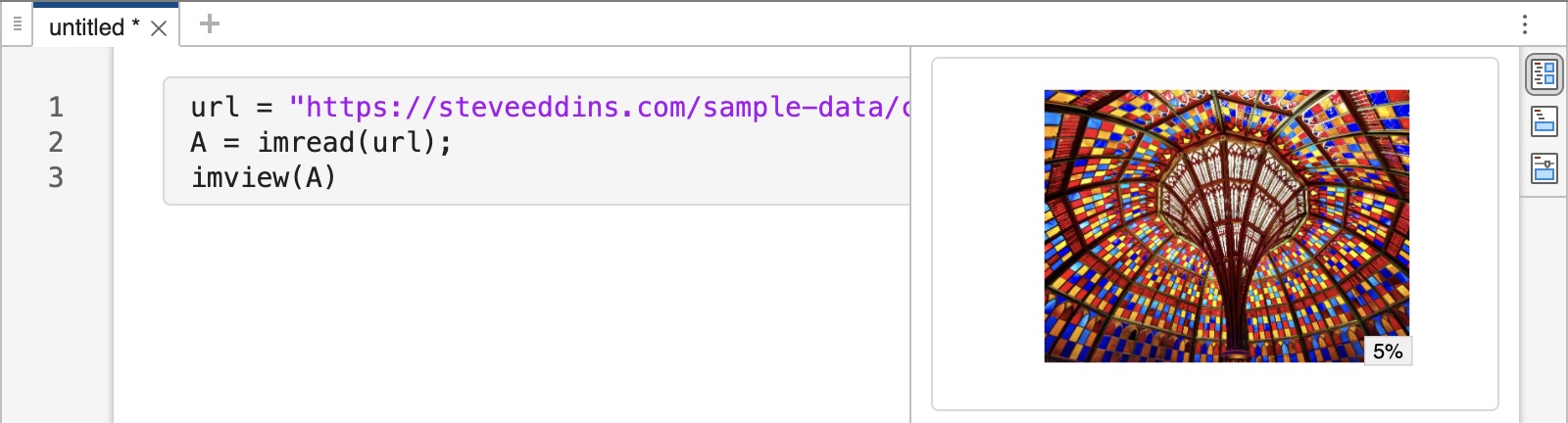
MATLAB graphics being displayed to the right instead of inline.
The function imview can also respond to interactive zooming in the Live Editor. It will automatically switch over to nearest neighbor interpolation when the pixels get large enough to be seen as individual squares. At higher zooms, when individual pixels are even larger, a grid of pixel edges will automatically show.
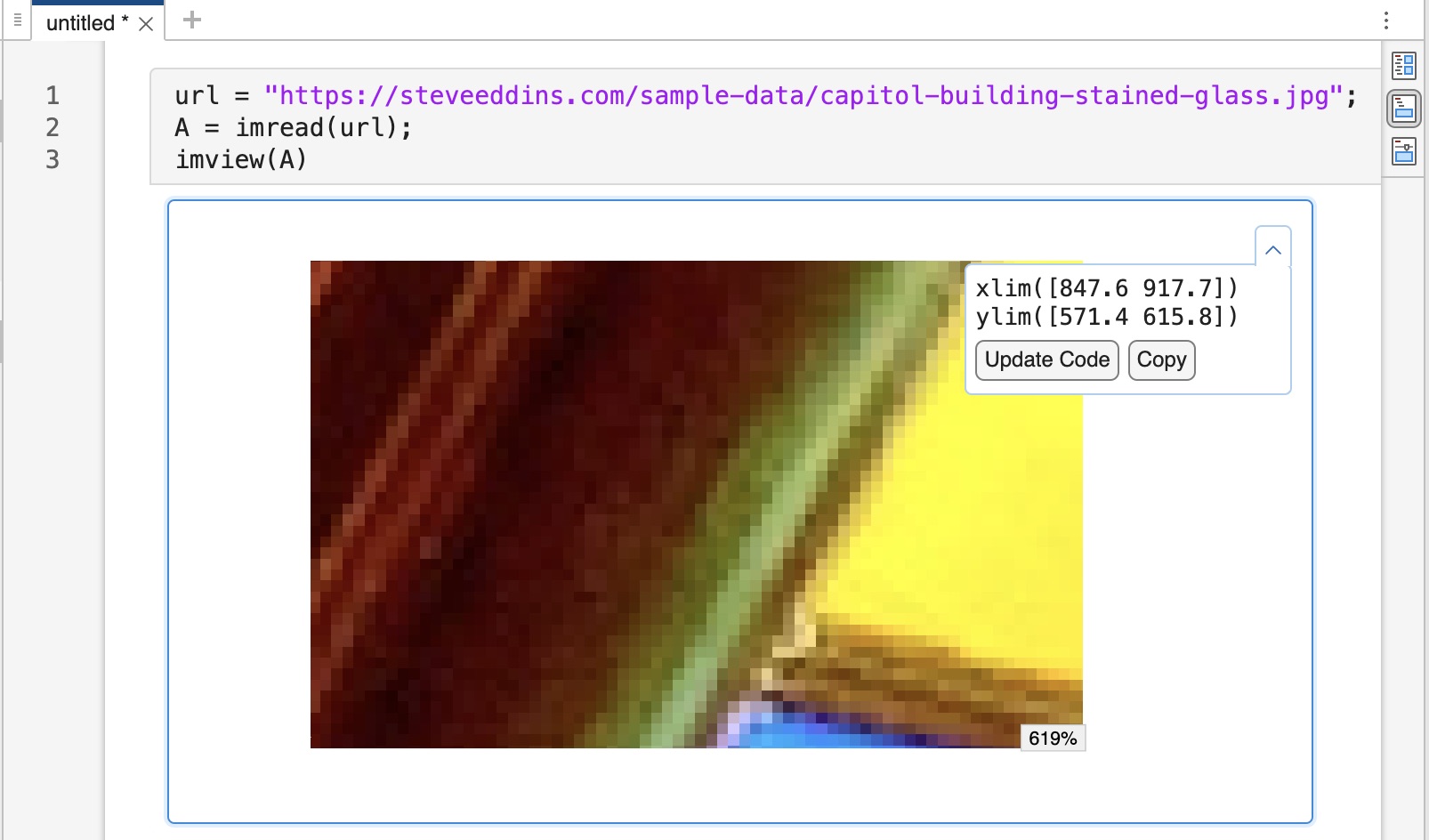
Automatic switching to nearest-neighbor interpolation when individual pixels become visible.
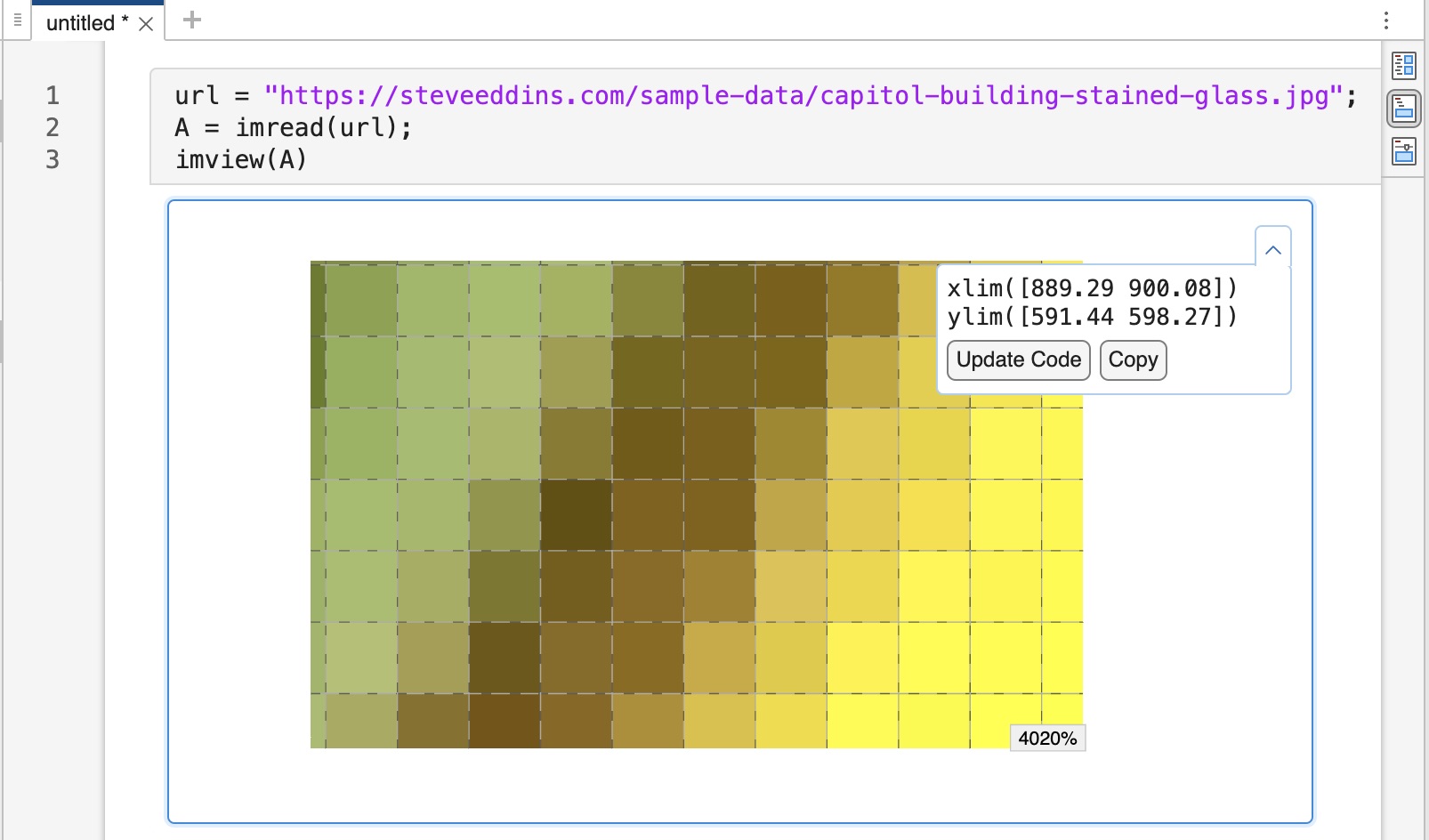
Automatic display of pixel grid overlay when individual pixels become even larger.
I want to note that implementing Live Editor support for imview was a nightmare. It took me many, many hours to figure out how to work around undocumented editor behaviors and limitations. I hope that MathWorks can work out a new architectural path for managing figures in the editor so that custom-written graphics functions with dynamic behavior can be implemented in a more straightforward manner.
An Installation Reminder
If you install imview using the Add-Ons manager, or you download the toolbox installer (imview.toolbox.mltbx) directly, and if you have the Image Processing Toolbox, you’ll need to follow one extra step. You’ll have to move the installed imview toolbox folder to the top (or near the top) of the MATLAB search path. You can do that using the SetPath button on the HOME tab. When using the Set Path tool, be sure to select the box that says “Save path for future sessions.”
This change is necessary because the Image Processing Toolbox contains a do-nothing placeholder function with the same name, and because the MATLAB toolbox installer automatically puts toolbox folders at the bottom of the MATLAB search path. This placeholder function is a left-over from an old Image Processing Toolbox function called imview, which was removed many years ago.
My understanding is the placeholder function is going to finally be removed in R2026a, so this annoying extra step won’t be necessary in the future.